If you're a female founder and you're not using Claude yet, you are leaving hours on the table every single week. Honestly.
I'm not talking about writing cute emails. I'm talking about Claude helping you with your proposals, strategy documents, calendar, entire systems it can build for you. That's a different thing entirely.
So let me give you the actual answer to the question I get most: Claude vs ChatGPT — which one should you use for business? I use both. But for the work that runs your business, Claude wins. Here's where, and where it doesn't.
Claude vs ChatGPT: the three places Claude wins for business
When I'm running an actual business workflow — not asking a one-off question — Claude pulls ahead in three specific areas. This isn't tribal nonsense, these are real functional differences.
1. The context window is huge
Claude can hold a LOT more in a single conversation than ChatGPT can. Which means you can upload entire strategy documents, your meeting transcripts, a year of client notes — and Claude can actually remember and reference all of it.
For business use, this is everything. You're not summarising stuff down to feed the model. You're handing it the real thing.
2. Projects are genuinely better
Claude's Projects feature is where it stops being random chats and starts being a team member.
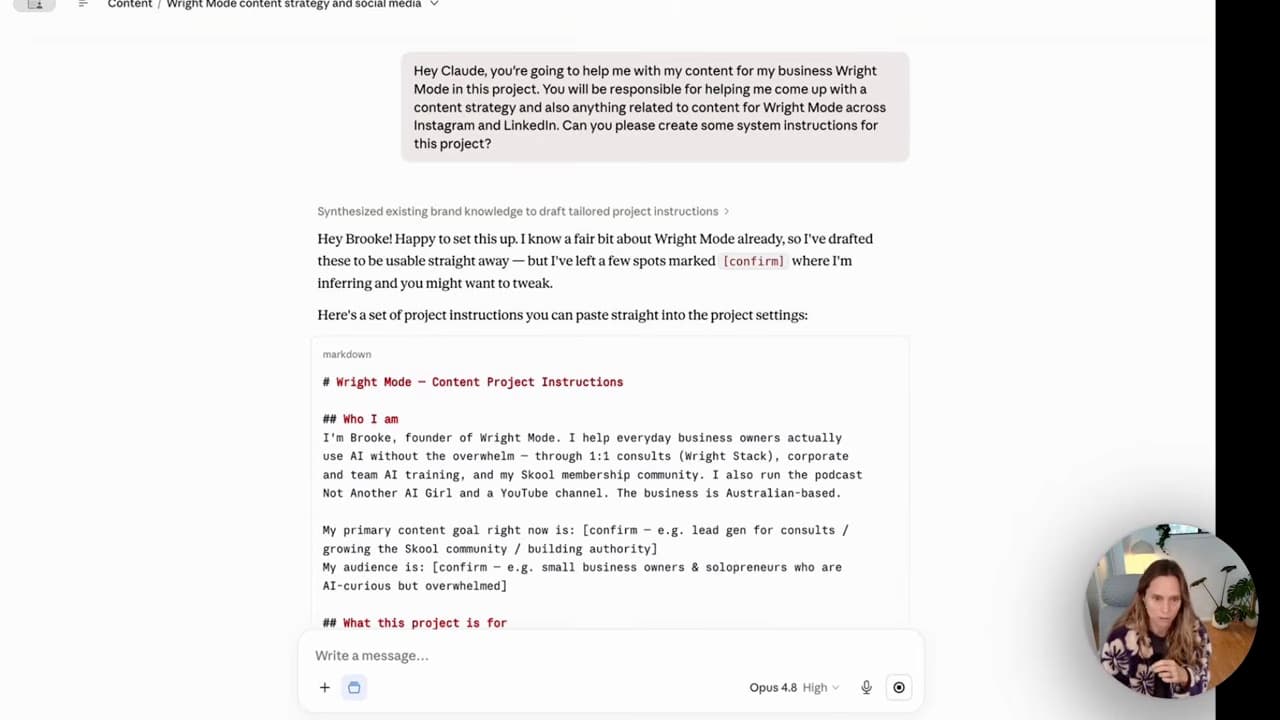
You set up a project for each client or area of your business, give it custom instructions, upload your reference files. Every time you come back, it's like picking up a conversation with someone who actually knows your business. Not starting from scratch.
ChatGPT has its own version of this. Claude's is just sharper for the way most small businesses actually work — client-by-client, project-by-project.
3. Artifacts (this is the one that sold me)
Claude doesn't just give you text. It builds things for you.
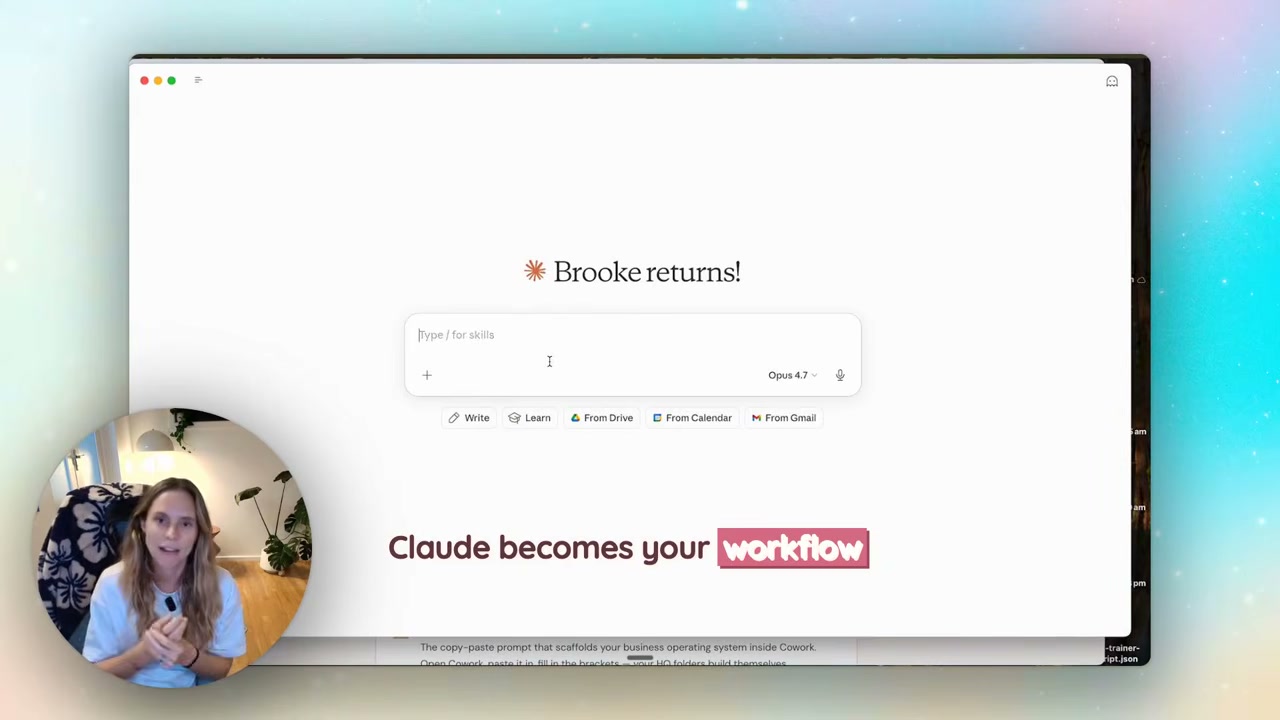
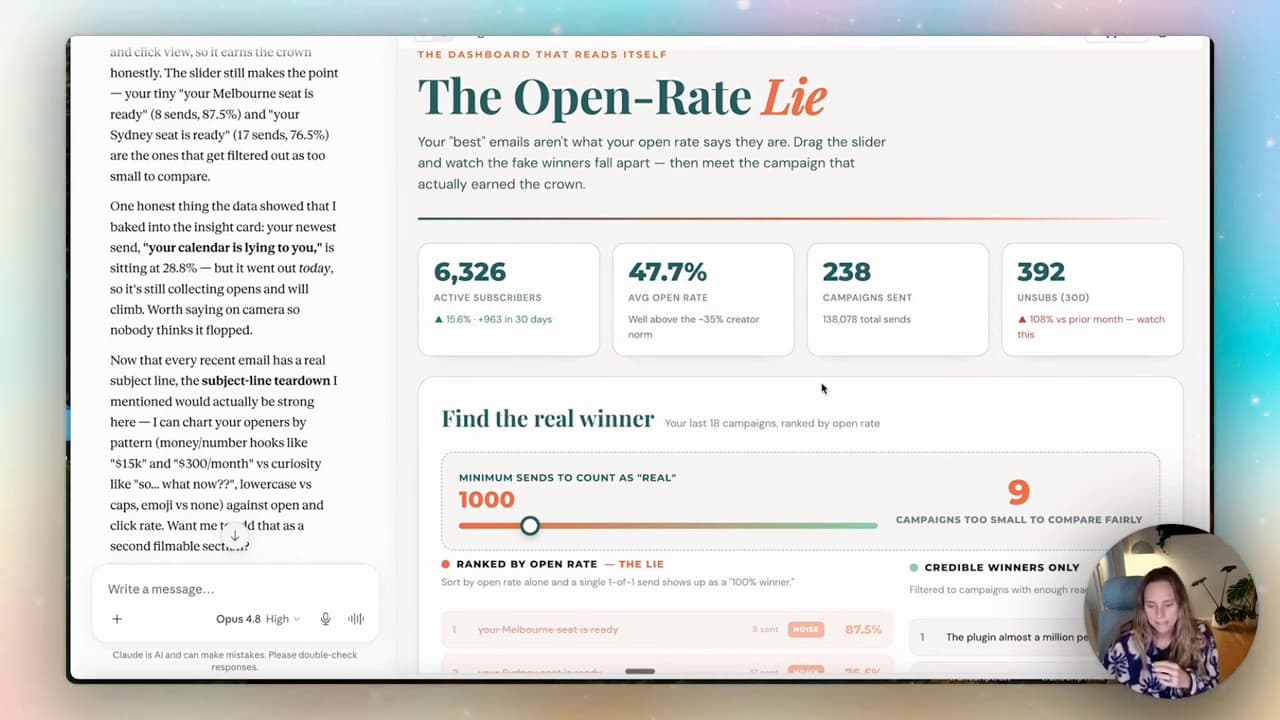
Content calendars. Launch plans. SOPs. Full documents you can download and use straight away. Interactive HTML dashboards you can publish and send to a client as a link.
I built a content plan for a pretend client recently, hit publish on the artifact, and had a shareable link in under two minutes. That used to be a half-day job.
Bonus: skills
Skills is the newer unlock. It lets you create repeatable workflows Claude runs for you — and they can link to your tools (Google Drive, Notion, Gmail) so Claude can actually go and do the work.
Imagine having projects for every single client or every product launch or every area of your business. That's what this does.
I have a skill that takes a discovery-call transcript, pulls it from my Google Drive, writes the proposal in my voice, saves it as a Notion page, and drafts the email to the client. I trigger it with a sentence. It takes a few minutes instead of a few hours.
When ChatGPT is still the right call
Look, I'd be lying if I said ChatGPT was dead to me. It isn't.
- Quick, throwaway questions. "What's the standard fee structure for a copywriter in Australia?" — either tool, doesn't matter.
- You already have your custom GPTs set up there and they're working. Don't burn the bridges that are already crossing the river.
- You want the image generation in one place. ChatGPT's image gen is right there in the chat. Claude doesn't do that the same way.
For one-off prompts and content-machine moments, ChatGPT is fine. The shift to Claude matters when you stop treating AI as a search engine and start treating it as your operating system.
The actual unlock: stop using it like a chatbot
This is the part most people miss, and it's not really about Claude OR ChatGPT.
The biggest mistake beginners make — and I see this constantly — is treating AI like Google. You ask one question, get an answer, the whole conversation evaporates. Then next week you do it again. From scratch.
Think of Claude like your team member, not a search engine. The more context you give it, the better it works. Set up your profile and custom instructions properly (who you are, what you do, how you want it to respond). Turn on memory across chats. Connect your tools.
That's when it stops being a clever toy and starts being infrastructure.
If you want the full setup walkthrough — settings, memory, projects, artifacts, skills — I've got a Claude beginner masterclass that runs through every single setting and what it actually does. It's the one most people skip and then wonder why their AI feels generic.
How projects tie it all together
Projects is the feature that ties the whole stack together. Here's a real example.
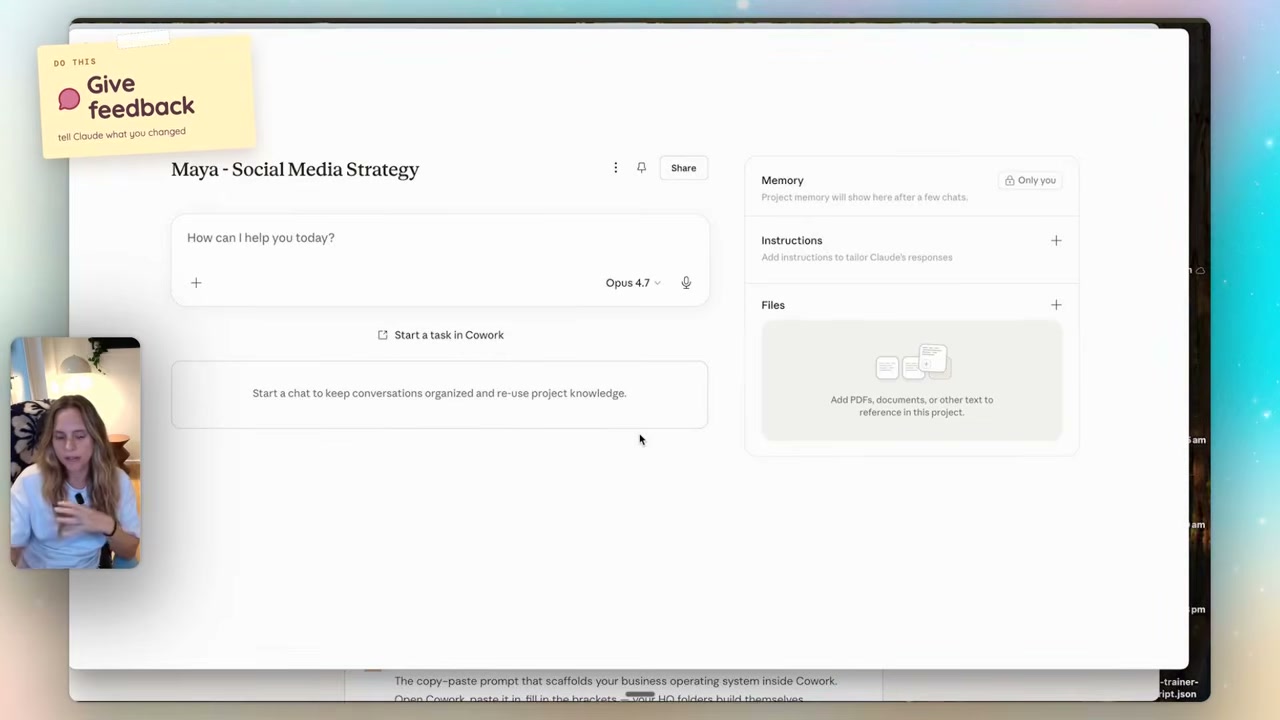
I set up a project for a (pretend) client called Maya. Project name + custom instructions explaining what we're doing together. I attached the call transcript, her brand kit from Canva, the content plan we built. Then I called my "social strategy content plan" skill into the project.
Now every chat I open in that project, Claude already knows who Maya is, what we agreed on, what her brand voice is, and what the next move is. I don't re-explain anything.
That's the difference between using AI and having AI embedded in how you work. One is reactive. The other compounds.
FAQ
Is Claude better than ChatGPT?
For most actual business work — proposals, strategy documents, client systems, anything where context matters — yes. Claude's larger context window, better projects feature, and artifacts (downloadable docs Claude builds for you) make it more useful as a real operating tool. For quick one-off questions or image generation, ChatGPT is fine.
Do I need to pay for Claude or is free enough?
Free is a good place to start to see if the workflow clicks for you. But once you start using projects, connecting tools, and running skills, you'll hit the free-plan limits quickly. The Pro plan is worth it from the moment Claude becomes part of how you actually work.
Can Claude connect to my Gmail, Notion and Google Drive?
Yes. Claude has connectors for Gmail, Google Drive, Notion, Canva, Slack, Microsoft 365, Fathom and more — and new ones are added regularly. You can set permissions per tool (read-only, write, blocked), so Claude can draft emails or pull files without firing anything off without you.
What's the difference between Projects, Artifacts and Skills in Claude?
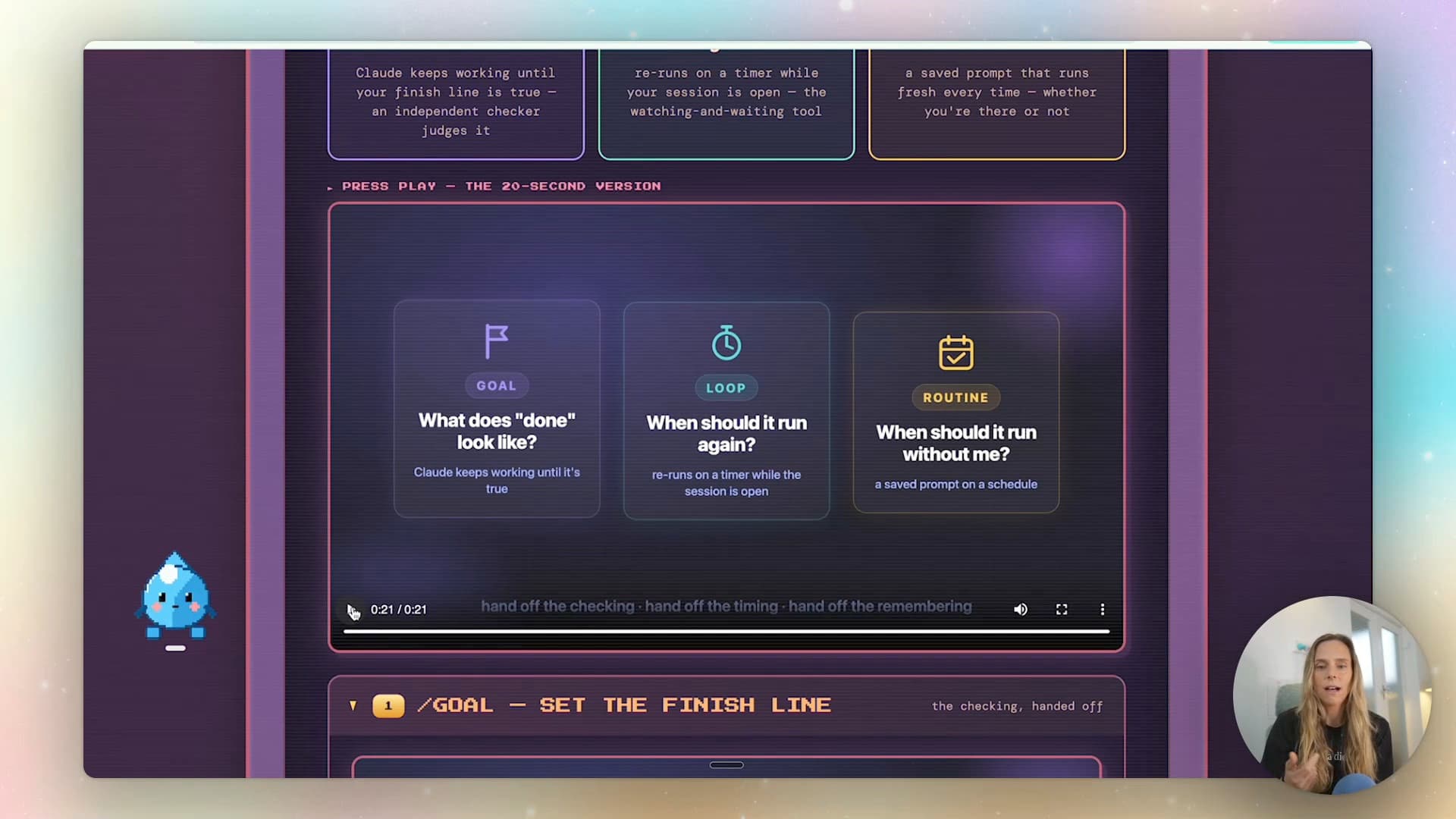
Projects are workspaces — a folder per client or area, with custom instructions, files and memory that persists across chats. Artifacts are downloadable or shareable things Claude builds inside a chat (a Word doc, an HTML dashboard, a content plan). Skills are repeatable workflows you build once — Claude reads the skill, follows the steps, calls your tools, and produces the same output every time.
Where should a beginner start with Claude?
Get the desktop app, set up your profile and custom instructions properly, turn on memory across chats, then create one project for one area of your business. That's enough for week one. Don't try to wire everything up at once.
If you want to actually implement this — projects, skills, the whole workflow — that's what we do inside Wright Mode. Fortnightly Build-with-Brooke sessions, a community of women doing this every day, and the templates and skills I use in my own business. Come build with us.