ChatGPT just launched work — OpenAI's direct answer to Claude Cowork. And the question landing in my inbox forty times a day is the same one: do I need to switch now?
Short version: almost certainly not. But I spent hours testing it so you don't have to, and there are two situations where the answer flips.
Let me break it down in plain English.
What ChatGPT work actually is
ChatGPT work is the thing that was missing from ChatGPT — the exact gap a lot of people switched to Claude to fill. It can take action on your work instead of being stuck in the browser doing surface-level tasks.
Here's the mental model I want you to hold onto:
Regular ChatGPT is a collaborator. You steer it message by message.
ChatGPT work is a delegate. You brief it on the outcome, it writes the plan, and then it goes off and does the job — across your emails, your files, your calendar, your apps — and comes back with the thing done. A spreadsheet, a deck, a document, even a whole website.
If you've used Claude Cowork, this will feel very familiar, because it functions almost identically. It's not a separate subscription either — just a mode inside ChatGPT.
If you're newer to all of this and the word "delegate" makes your eye twitch, start with my Claude Cowork tutorial first — the concept is identical across both tools, and it's easier to learn on one before you compare two.
The three things worth actually knowing
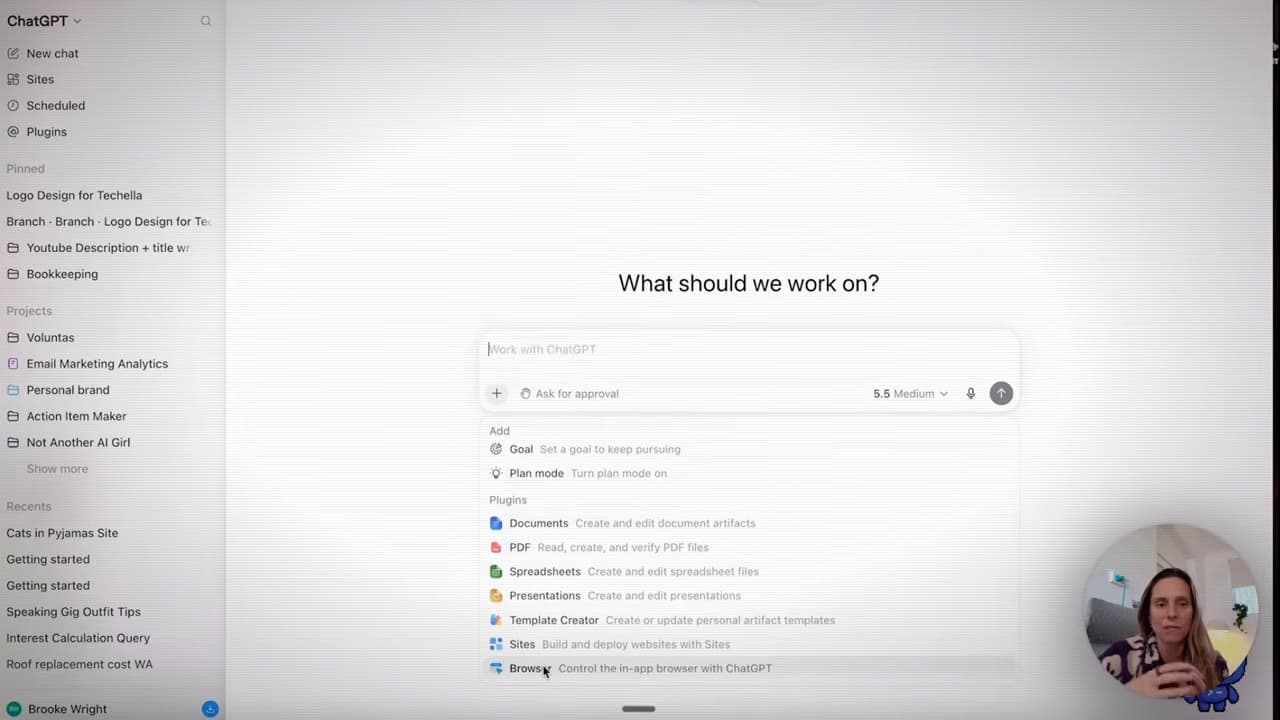
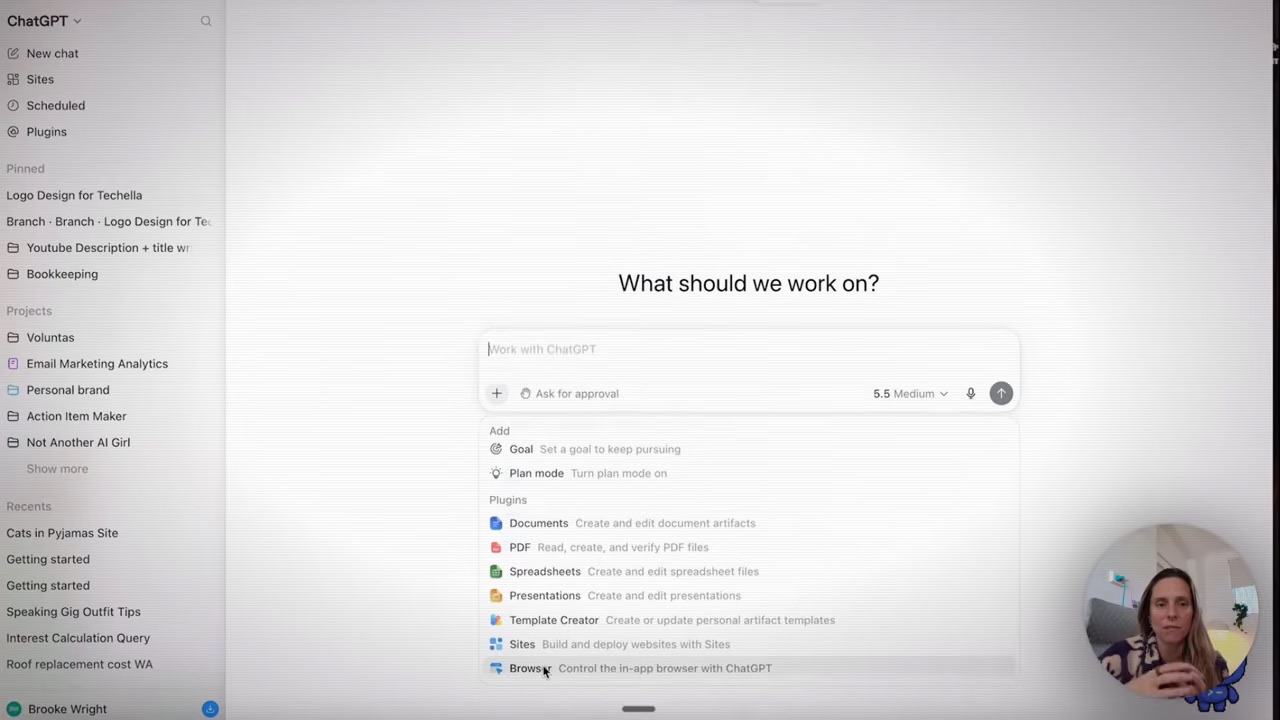
One — plugins and permissions. You connect tools the same way you do in Claude: Gmail, Canva, Notion, whatever. There are over 9,000 plugins in the list already. The bit that matters is permissions. You get three settings: ask for approval, approve for me, and full access. Do not use full access. There have been reports of it deleting files off people's computers. Treat it like a junior staff assistant — make it ask you for approval until you trust it.
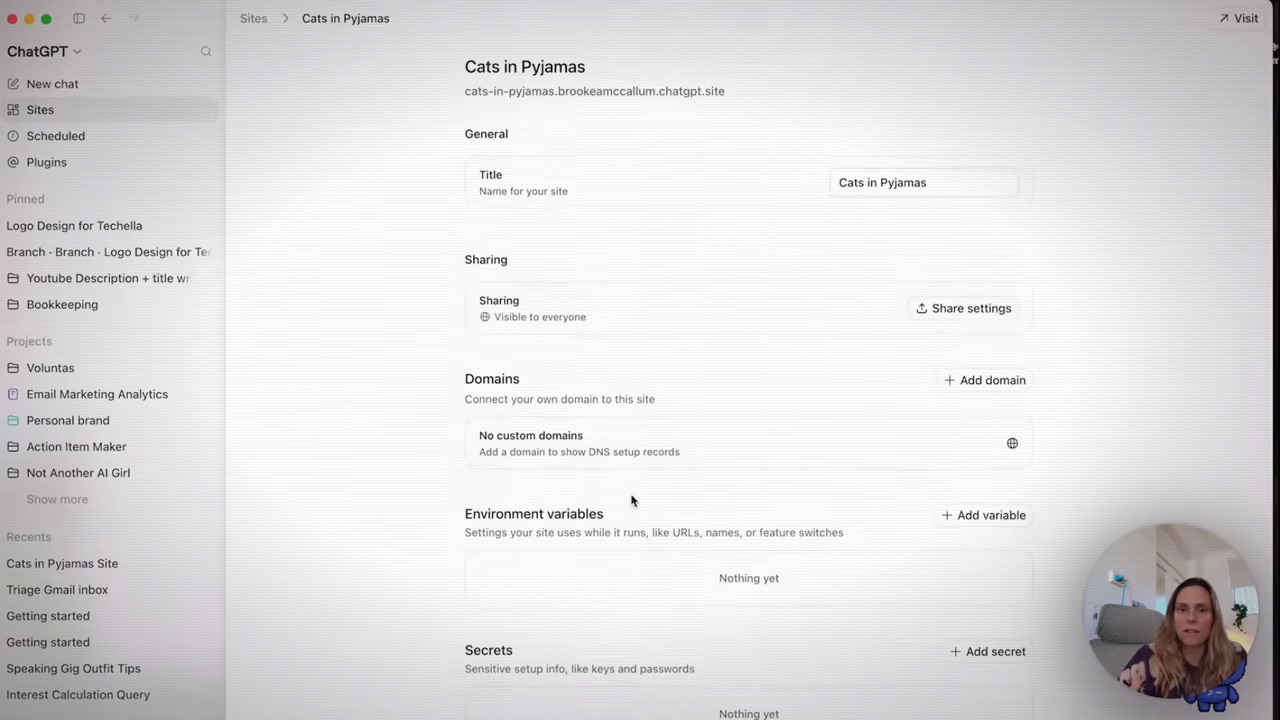
Two — sites. This is the feature that made me sit up. ChatGPT no longer just writes code, it builds full sites, hosts them live, and lets you add a custom domain. I built a (deeply silly) cats-in-pyjamas site from a one-line prompt in minutes. You can wire these up as lead-capture pages with webhooks into your email software — the one catch is you can't take payments directly, so you link out to a Stripe link.
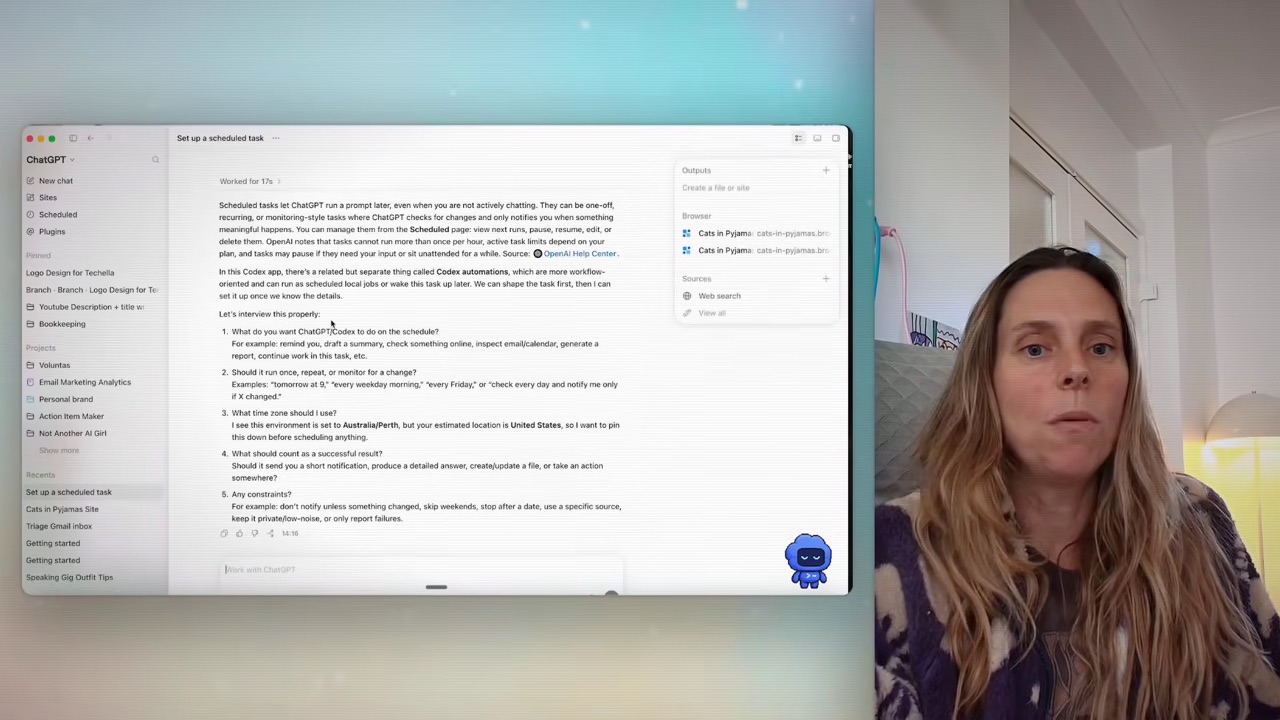
Three — scheduled tasks. This is the real delegate work — a daily brief that reads your calendar and unread emails, a weekly review that turns your recent work into a Friday status update. You brief it, and it writes a far better SOP for itself than you would from a three-line prompt. The limits are real, though: tasks can't run more than once an hour, active-task limits depend on your plan, and they pause if they need your input. That's exactly why I don't think automation software like n8n is going anywhere yet — these agents still can't be trusted to run unattended forever.
So should you switch? The honest answer
Here's the bit nobody's actually answering, so I will.
There is no universal winner. There's only the tool that makes your next hand-off cheaper, clearer and less annoying.
- Already using Claude? Sit tight. Most of ChatGPT work is a carbon copy of Cowork. One independent benchmark found the two close enough that switching didn't make sense — and would in fact cost you more.
- The one exception: if you specifically need hosted sites or cloud scheduled tasks, work does those better. Although you can build sites perfectly well with Cowork or Claude Code anyway.
- Already paying for ChatGPT? Stay put. This is a huge upgrade for you, and Claude will launch something new in a couple of months regardless.
- Your clients live in ChatGPT? Meet them where they are — and know it well enough to teach them.
- Not using either properly yet? Don't spiral about FOMO. Pick one, commit for 30 days, get it doing meaningful recurring tasks, and ignore the launch hype.
On price they're about the same — ChatGPT work runs roughly $20 a user per month annually, Claude Cowork sits in the same range. The thing I'd watch on both is token usage: it's hard to predict, so start small and keep your approvals on.
One tool used well beats five half-learned ones, every single time. If you want the deeper feature-by-feature comparison, I've written a full Claude vs ChatGPT for business breakdown that goes wider than just the agent modes.
FAQ
Is ChatGPT work a separate subscription?
No — it's a mode inside ChatGPT, not a separate product or plan. If you're already on a paid ChatGPT plan you access work from within the same app, the same way you'd switch to a different mode.
Should I switch from Claude Cowork to ChatGPT work?
For most people, no. If you're already set up in Claude Cowork, the two tools are close enough that switching costs you time and money for little gain. The exception is if you specifically need ChatGPT's hosted sites or cloud-based scheduled tasks.
What can ChatGPT work actually do?
It acts as a delegate that takes action across your connected apps — sorting your inbox into buckets, building and hosting live websites, and running scheduled tasks like a daily brief or weekly review. You brief it on the outcome and it writes its own plan to get there.
Is it safe to give ChatGPT work access to my files?
Only with approvals turned on. Use the "ask for approval" permission setting rather than full access — there have been reports of the agent deleting files when given unrestricted access. Treat it like a junior assistant who checks with you before doing anything irreversible.
The real takeaway
You don't need to keep up with every launch — that's my job. There's another one next month, and the month after. What you need is one tool doing real, recurring work in your business, and the confidence to ignore the noise around the rest.
If you'd rather not sort the hype from the substance alone, that's exactly why I built the Wright Mode membership — every launch, every "wait, do I need this?" moment, you get my honest read first, alongside a room of women founders building this stuff together. Come and join us.