Most people use Claude like a basic chatbot. Ask a question, get an answer, close the tab.
But there are three features inside it that can actually run the repetitive parts of your business for you. Once they're set up, they work in the background — and you'll be an expert by the end of this, even if you've never opened Claude before.
The three features, in the order that matters: projects, connectors, and skills.
One quick setup note before we start: download the desktop app. You can do a lot of this in the browser, but skills and connectors work far better in the desktop version.
Projects: a workspace that remembers you
A project is a dedicated workspace where Claude remembers your context — your brand, your offers, your tone. You set it up once and stop re-explaining yourself in every single chat.
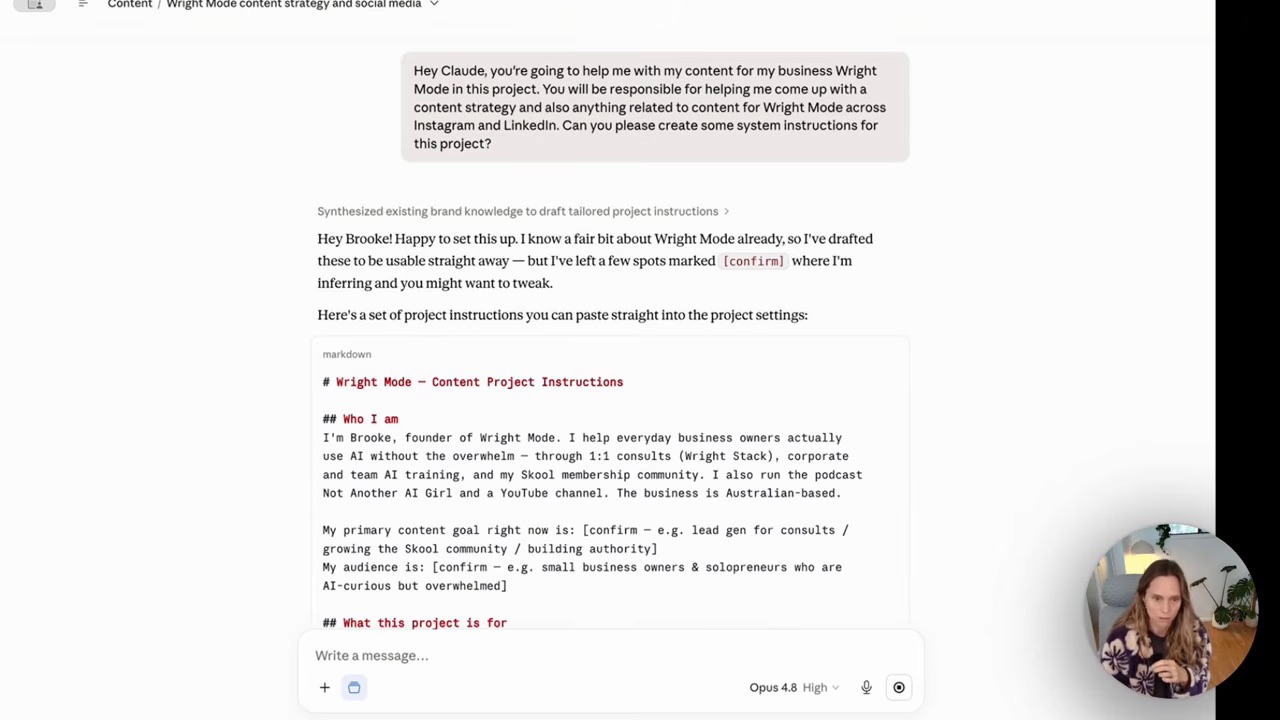
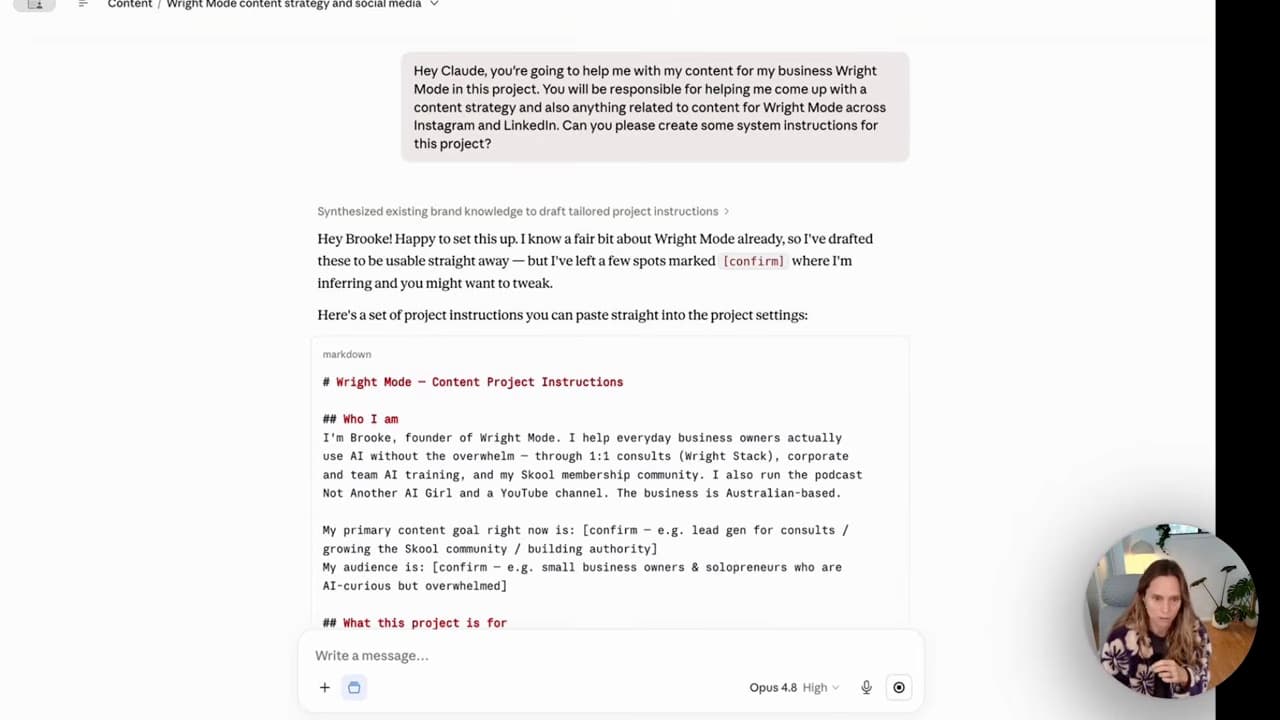
You'll find projects in the sidebar. I've got them for all sorts of things — my podcast, my YouTube, my trainings. Inside each one you add project instructions: who you are, what your business does, how you like things written. From then on, every chat in that project already knows your world.
Here's a shortcut most beginners miss — you don't have to write those instructions yourself. Tell Claude a bit about your business and ask it to draft the project instructions for you. It'll write them, flag anything it's guessing at, and hand you something to paste straight in.
If you want the deeper version of this once you're comfortable, my post on how to use Claude AI for business goes further into the setup.
Connectors: where you get your hours back
A connector lets Claude plug into the tools you already use — Gmail, Google Calendar, and more. This is where you actually start getting time back.
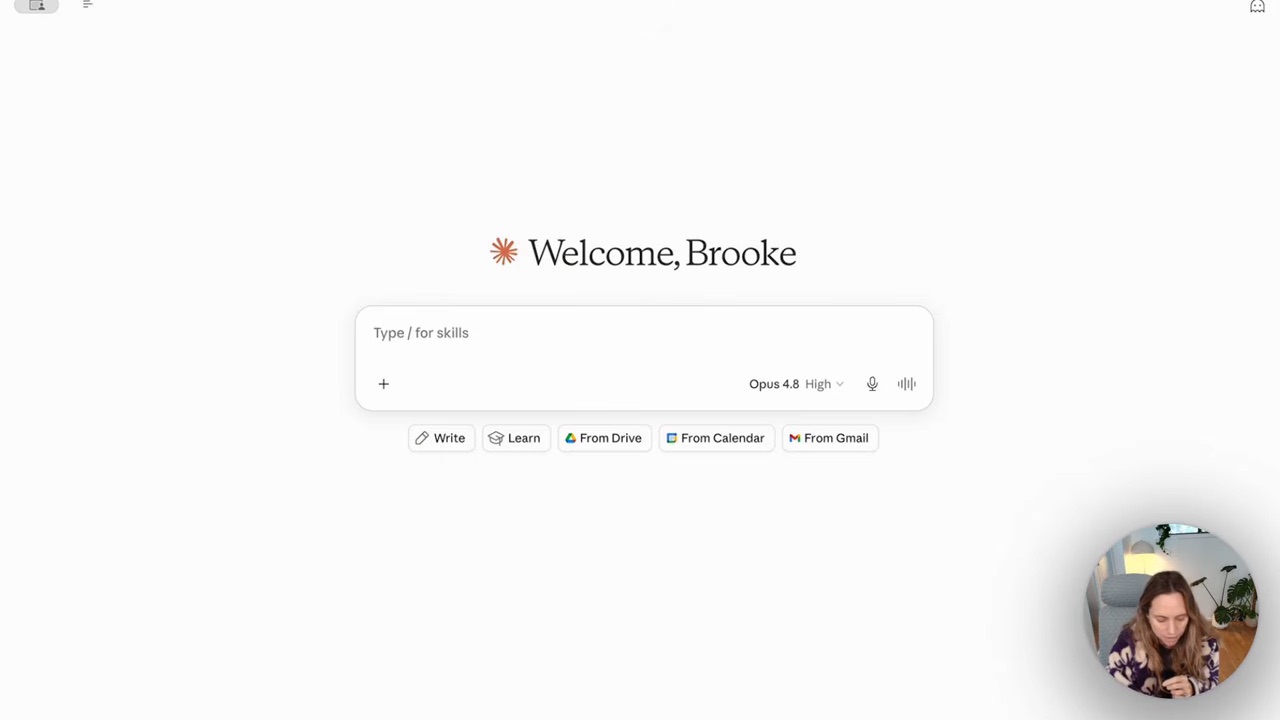
With Gmail connected, I can ask "what did I miss in my inbox in the past 24 hours?" and Claude reads it and summarises it. With Google Calendar connected, I can say "find me a free hour this week and book a meeting" — and it can see my actual calendar and do it.
The point isn't the party trick. It's that Claude stops being a thing you copy-paste into, and starts being a thing that can see your real work. If you want to set these two up specifically, I wrote a full guide on Claude connectors for Gmail and calendar.
Skills: repeatable workflows you teach once
A skill is a repeatable workflow you teach Claude once, and it runs on demand. And I teach it last on purpose — skills become ten times more powerful once your connectors are in, because now the workflow can act on your actual inbox and your actual calendar.
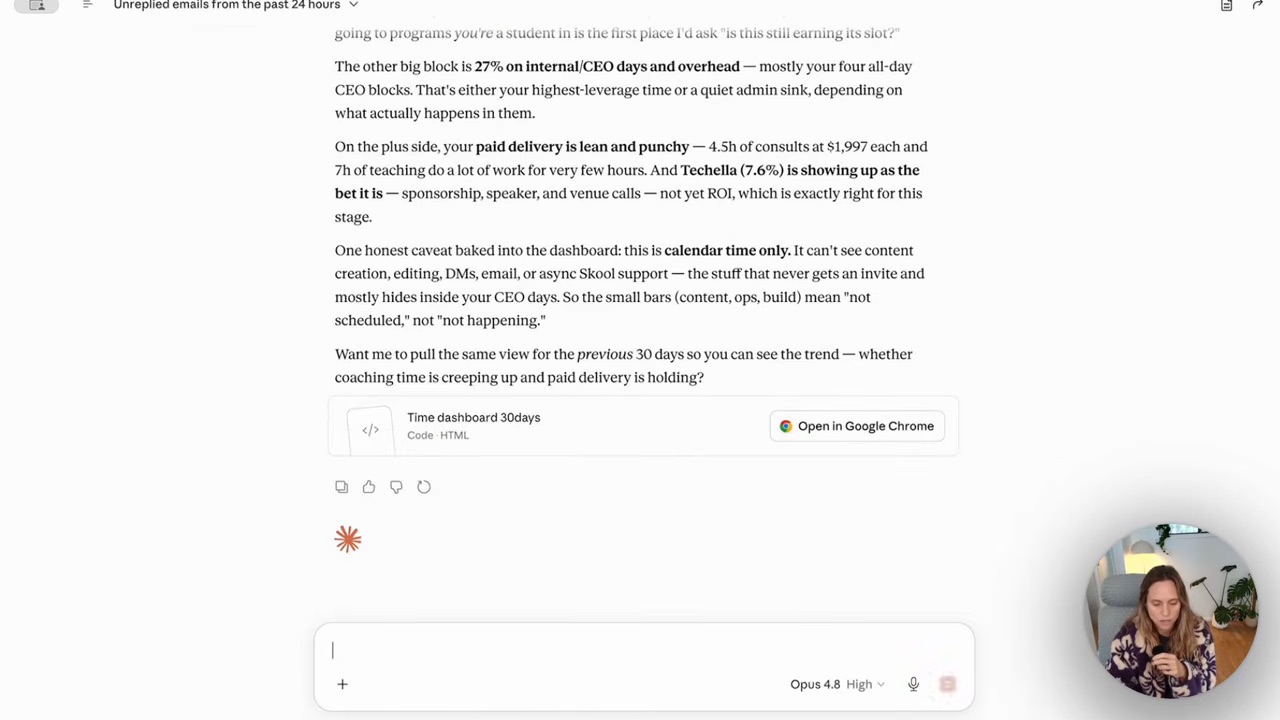
Claude even has a skill for building skills — it knows how to write its own. So you describe the repetitive job you do (say, turning a client call into follow-up notes), and Claude builds the reusable workflow for it. Next time, you just call the skill.
This is the feature that starts saving you serious time — the kind of 10-to-15-hours-a-week difference that makes AI feel less like a toy and more like a team member. If you want to go properly deep on this one, I've got a whole post on building Claude skill systems.
FAQ
Do I need to be technical to use Claude?
No. Projects, connectors and skills are all set up through menus and plain-English chat — there's no code involved. If you can use email, you can set these up. The desktop app makes it smoother, so start there.
What's the difference between projects, connectors and skills in Claude?
A project is a workspace that remembers your context. A connector plugs Claude into tools like Gmail and calendar so it can see your real data. A skill is a repeatable workflow you teach it once and reuse. They stack — projects hold context, connectors give access, skills do the work.
Which should I set up first as a beginner?
Projects first — get one workspace holding your business context. Then connectors, so Claude can see your real tools. Then skills last, because a skill is far more useful once it can act on your connected inbox and calendar.
Is Claude better than ChatGPT for beginners?
They're close, and it depends what you're doing. I broke the differences down properly in Claude vs ChatGPT for business — but if you already spend time in either one, that's more than enough to get value from the three features here.
Start with projects this week — just one workspace, with your business context in it. That single step changes how every future chat feels.
And if you want to learn this stuff without the tech overwhelm, alongside other women founders actually building with AI, that's exactly what we do inside the Wright Mode membership.